There’s a reason a lot of people use only Nexus devices apart from the timely firmware update. There’s a claim nothing feels like stock Android OS and this may be true. While customized Android UIs are always packed with great features, they leave much to be desired in quite a lot of cases. This is why some power users decide to go for custom firmwares and this has made ROMs like CyanogenMod quite popular in the Android community.
Over the years, I’ve had a taste of TouchWiz (Samsung), HTC Sense, Xperia UI, ZenUI and more but recently, I’ve been more in touch with Huawei’s EMUI and Xiaomi’s MiUI. There are similarities between these two and it’s hard to tell who is actually copying who. Though they have key differences, you can’t help but notice they actually have almost the same problems.
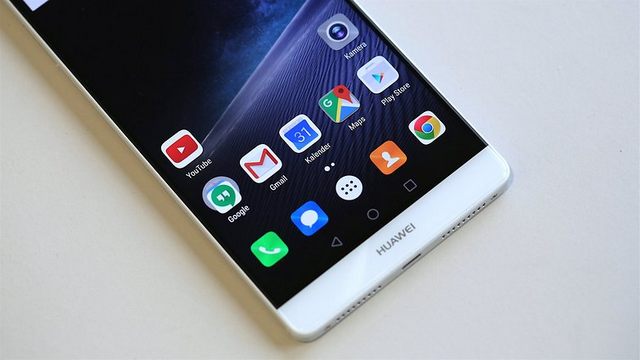
There have been lots of complaints about this and it has gotten to the point where a user interface that’s supposed to be simplified becomes complicated. If you’re on either of these without optimization, you may find out message notifications from your social networking apps are never delivered till you launch the apps.
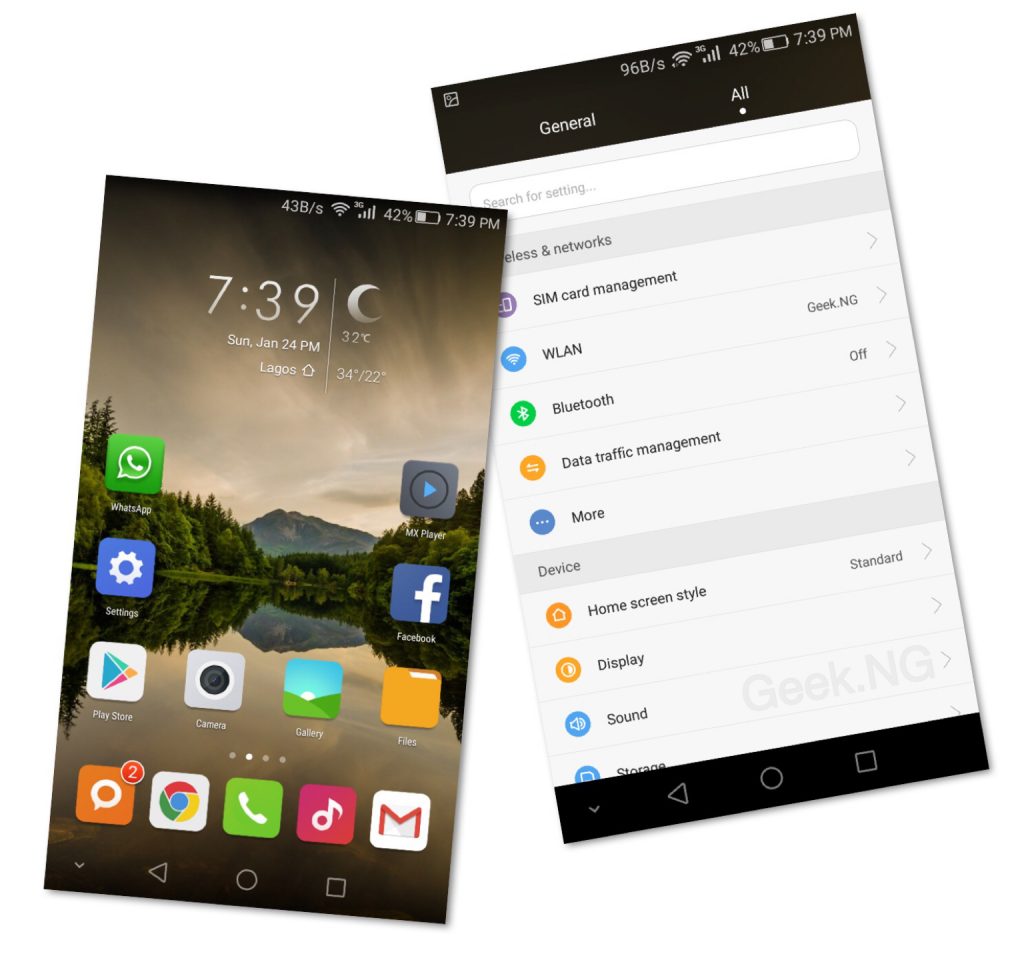
It can also be annoying finding out that an application you were running before locking the screen had already closed by the time you checked again. Issues like this leave beginners exasperated as true multitasking becomes non-existent.
Huawei and Xiaomi do this to minimize battery consumption but unfortunately, it is at the detriment of user experience. With the default low power settings, EMUI and MiUI close unused apps, freeze background app refresh and minimize notifications.
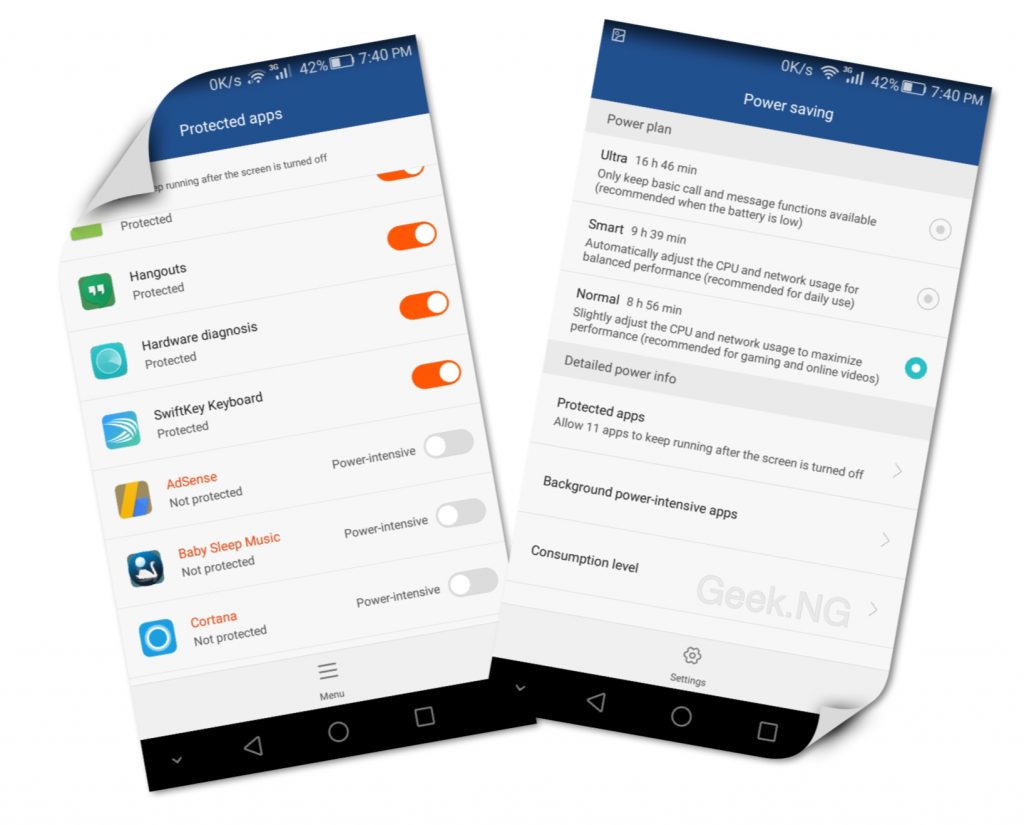
However, there’s a way around the issues on both UIs. On EMUI for example, heading to Settings > Power Saving and changing it to Normal might make a lot of difference. Adding applications to protected apps list too helps.
Unfortunately, a greater percentage of users don’t even know this and it appears other OEM’s too are taking this path, but is it worth it? Is conserving battery life more important that a good UX?