Losing your smartphone is easy no matter how smart or careful you think you are. Even if you’re so careful you think it can never be misplaced, there’s still a chance it could get stolen. If you own a smartphone, there are precautions you should take to ensure you can, at least, remotely erase your phone even if it’s impossible to recover it.

If you’re using an Android device or an Apple product, you don’t need a third party software to do this as both platforms offer inbuilt recovery options for stolen devices.
Using Android Device Manager
A large number of Android OS users do not even know this feature exists. Android Device Manager lets you locate your lost or stolen device. You can as well choose to remotely erase your phone even when the device is no longer with you. Here is how to get started.
Go to Android Device Manager website and sign in with your Google account. Accept the agreement and continue.
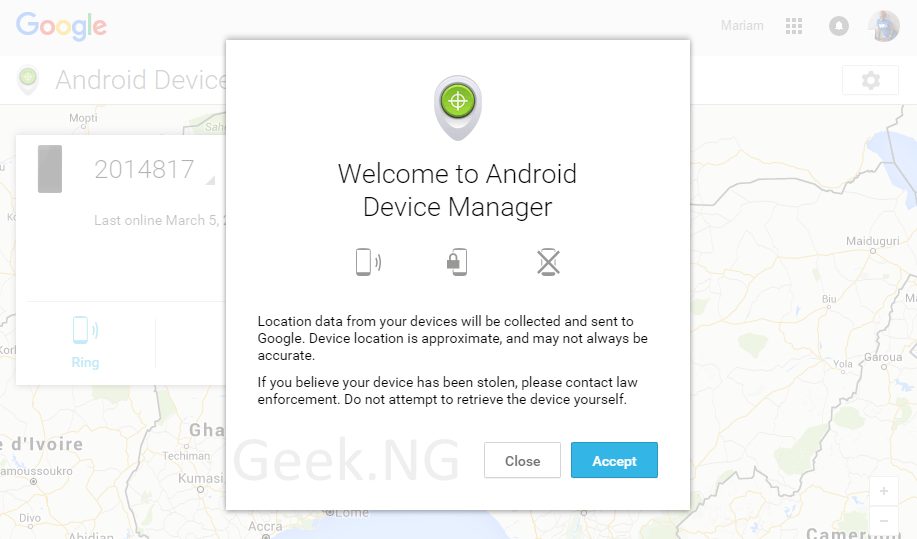
You’re shown a drop-down menu that lists the devices you currently (and recently) own.
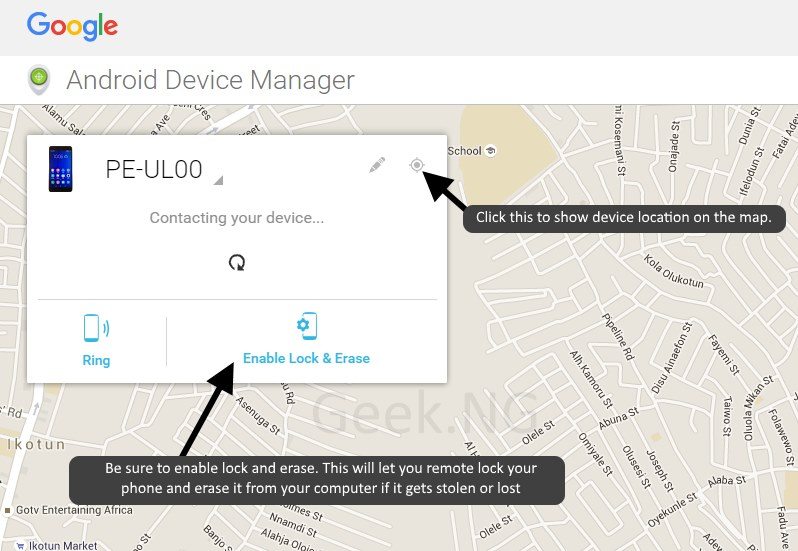
Be sure you enable Lock & Erase so you can remotely lock or erase your phone in case it gets lost or stolen. To make it easier to locate your phone, also ensure location service is turned on always on your device.
Using iCloud / Find My iPhone
iOS offers a much better security plan against device theft with Find My iPhone through iCloud. This service is also available on the iPad. With this activated, a stolen iPhone or iPad will be rendered useless with Activation Lock enabled. If you own an iDevice, you should first ensure you have entered your iCloud login details in the settings.
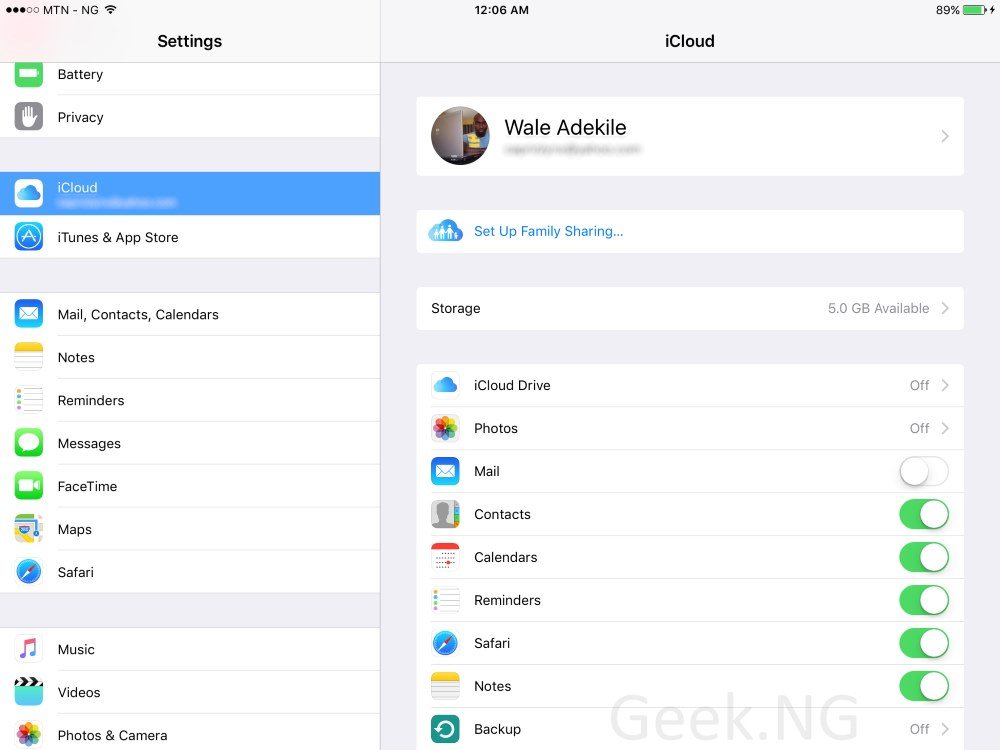
After this, launch “Find my iPhone” from the SpringBoard and ensure your device is being tracked. Make sure location service is turned on also. If you have more than one iDevice and they’re using the same iCloud account, you should see them all listed.

In case the device gets lost or stolen, access Find My iPhone from your other iDevice or just login to iCloud on a PC. Select “Find iPhone” to locate your device or deactivate it.

With the device put in Lost Mode, trying to re-install the firmware would require your iCloud login details. This probably the best insurance against unauthorized use of your device in the event of theft or loss.