If you jailbroke your iPhone or iPad using Cydia Impactor with your regular Apple account, you have to go through the pain of re-signing Yalu every seven days. Those with developer accounts are exempted as the certificate lasts for about a year.
For those who performed the jailbreak without a PC and downloaded Yalu from sites like pgyer.com and zerostore.com, Apple has already revoked the certificates used to sign Yalu. The article written on this is no longer valid and users are advised to go back to the Cydia Impactor method instead of looking for alternative sites.
There’s good news though: you can now bypass connecting your device to your computer every seven days to re-sign Yalu. There’s now a Cydia app that automatically signs Yalu right there on your device.
Cydia Extender Installer (Extender: Reloaded)
In March, Saurik released Cydia Extender as a solution to the 7-day signing problem people were going through. It was created to sign Yalu and similar apps installed with Cydia Impactor from within iOS. Unfortunately, it required an Apple developer account to work, rendering it ‘useless’ to a lot of people.
An app that installs a modified Cydia Extender has already been developed by Matt Clarke and it works exactly as described. From the settings, you can automatically check and sign Yalu a day before expiry.
Here’s how to install Cydia Extender Installer (now Extender: Reloaded)
- Open Cydia and go to Sources tab.
- Hit the Edit button and Add this repository: http://repo.incendo.ws
- Search for Extender: Reloaded and install.
- Open the app after your device resprings.
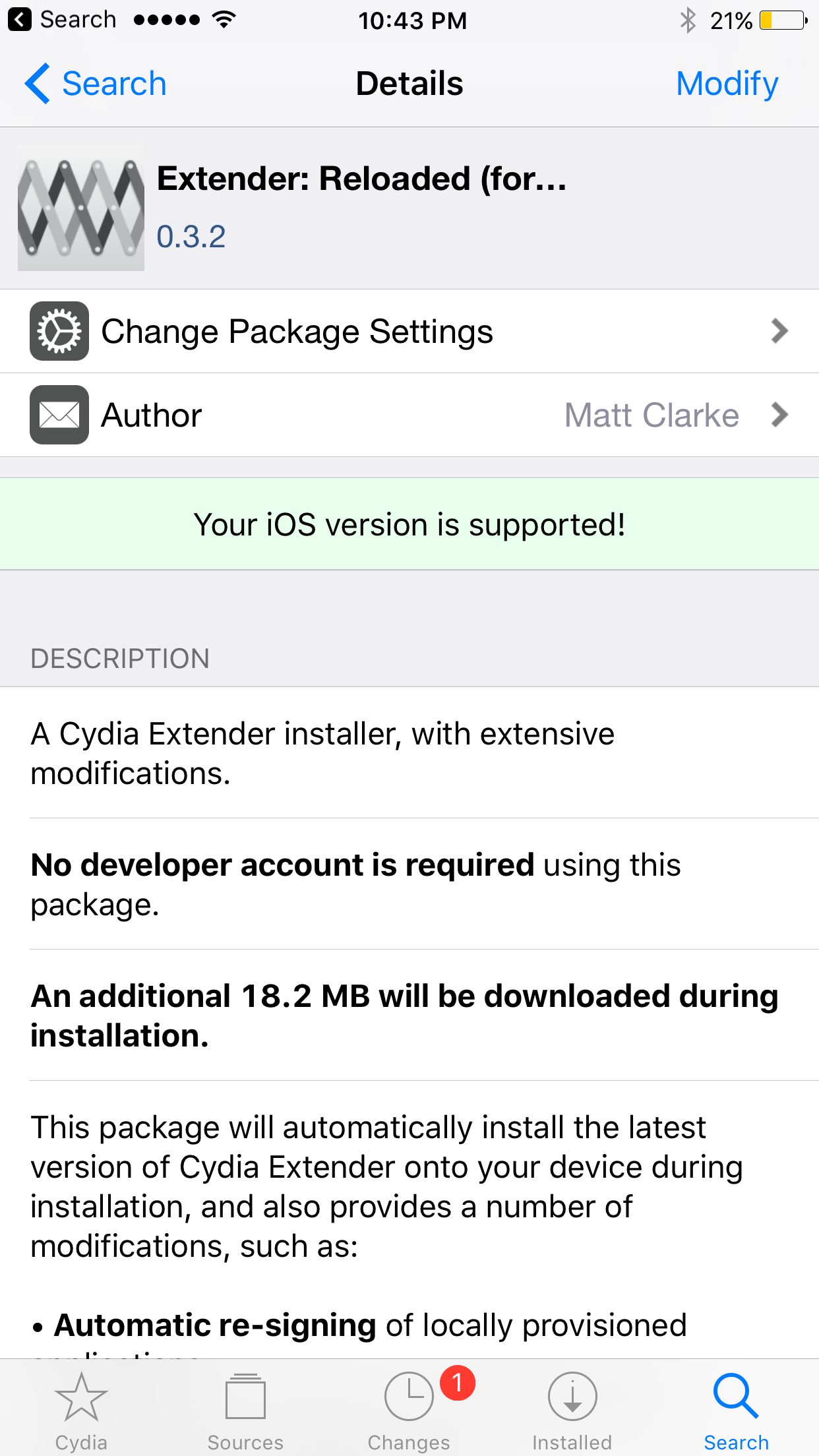
From the settings, you need to enter your Apple ID and password. The app says this is only sent to Apple but if you’re skeptical about entering your Apple ID into a third party app, you could enter a burner Apple ID.
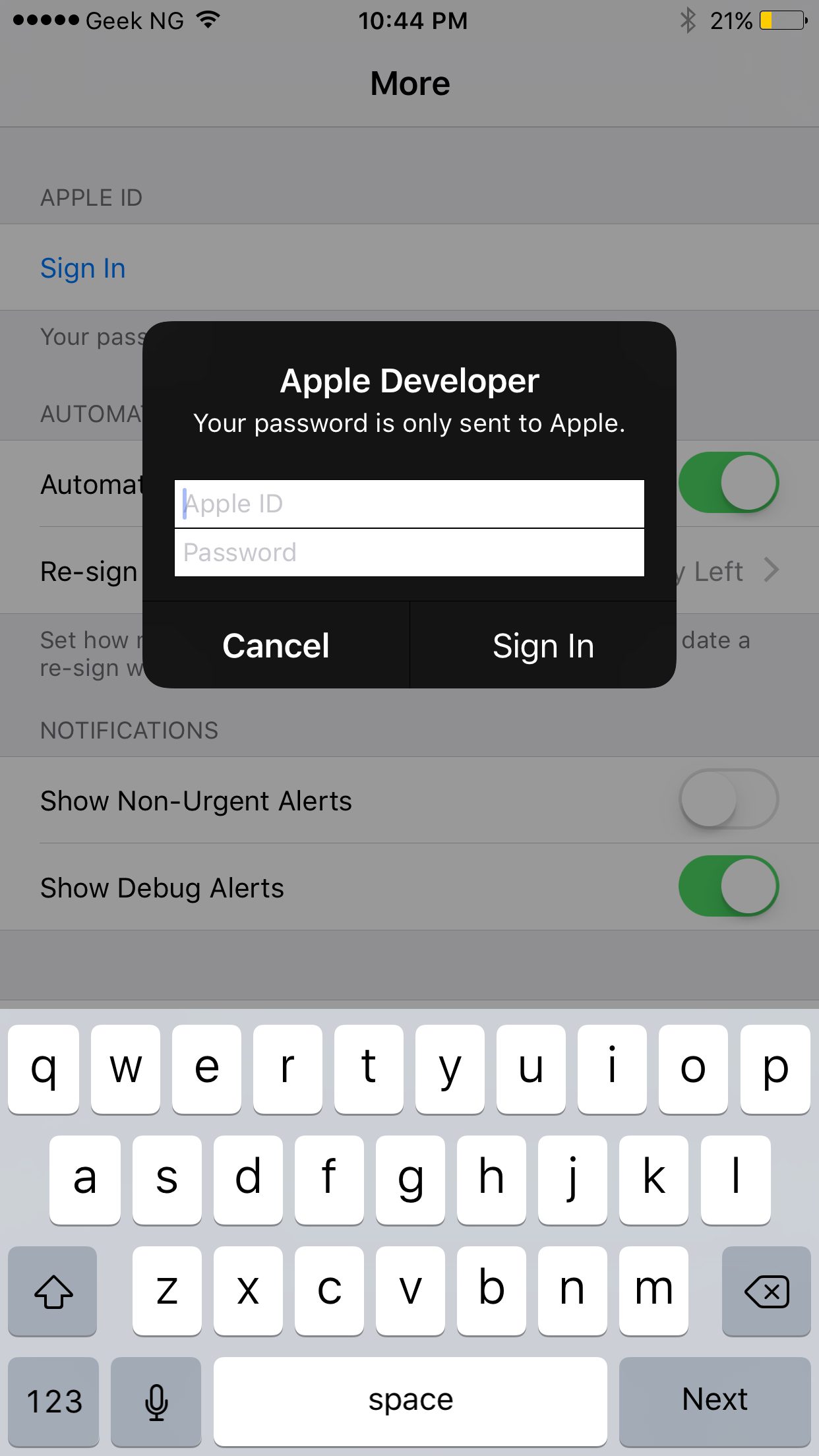
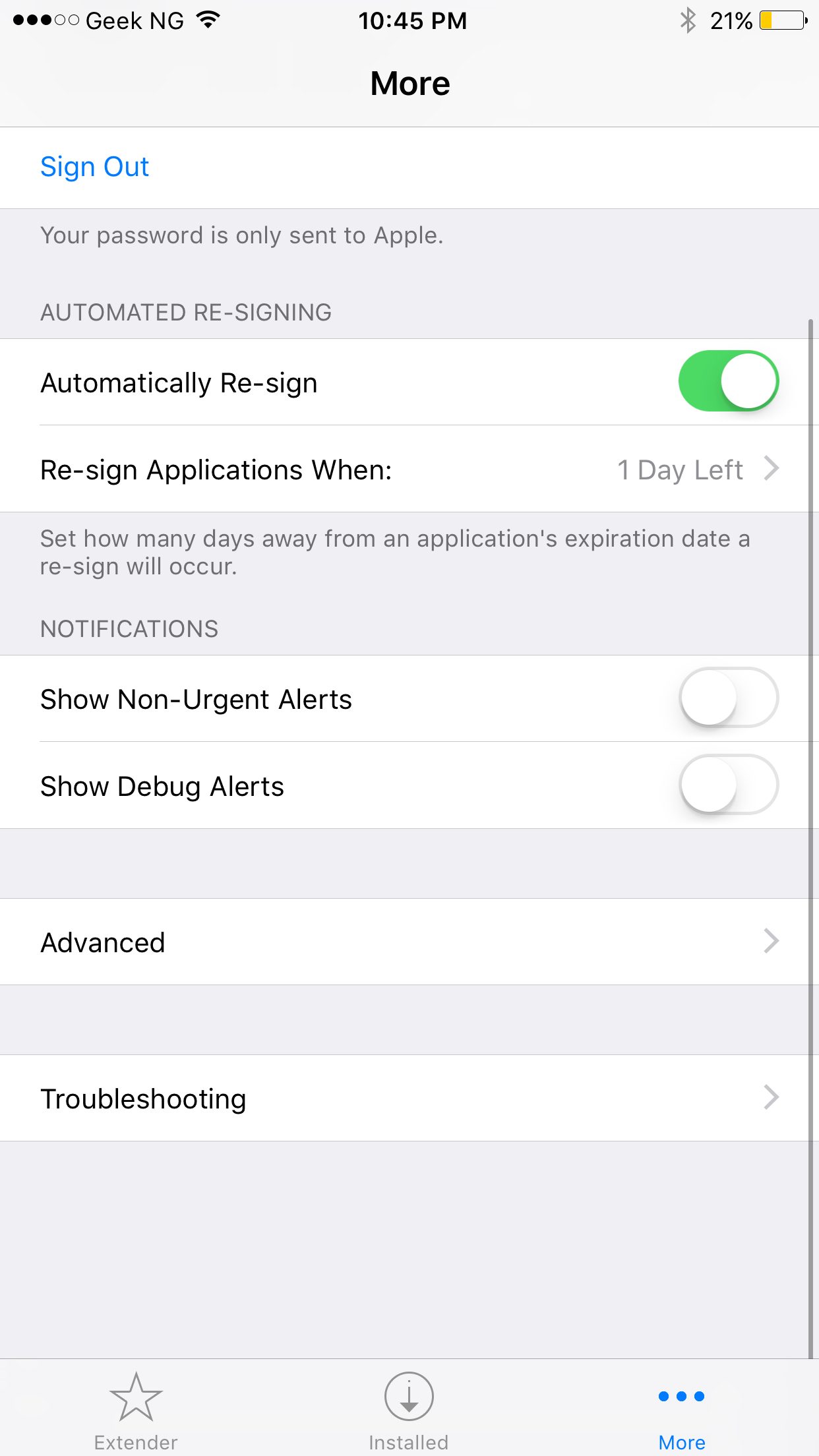
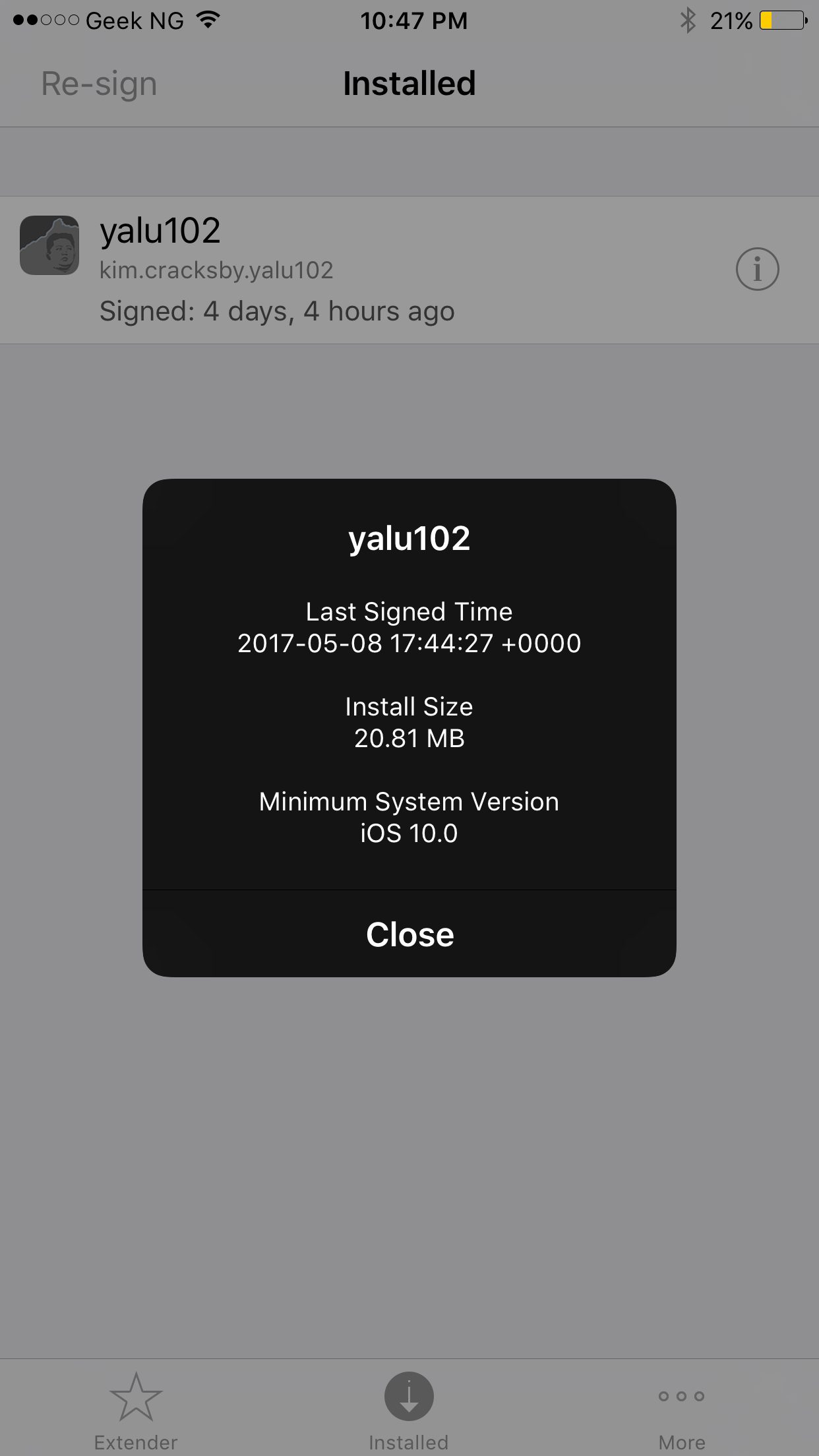
The “More” tab lets you configure how the app automatically re-signs Yalu and how often it checks for apps to re-sign. Under “Installed”, you have a list of installed apps that require signing. For the past few days, I’ve been using this app and it sure works as described. You no longer have to connect to a computer every 7 days to re-sign and install Yalu though Cydia Impactor.