Despite the huge amount negative feedback the greeted Facebook timeline, the feature that almost everyone love is the cover picture that allows you to express yourself and even showcase what you like to do. You can create your own timeline banners if you’re good with Photoshop or simply use an image from your gallery. You can as well download from any of the sites offering timeline covers for free. Timeline has come to stay and you can’t get back to your old profile. I’ve learned to live with it and make the most of it. 😀 I stumbled across a couple of sites offering you a cool ways to customize your timeline banner by combining it with your profile picture, making the two look like one.
1. TimelineCoverBanner
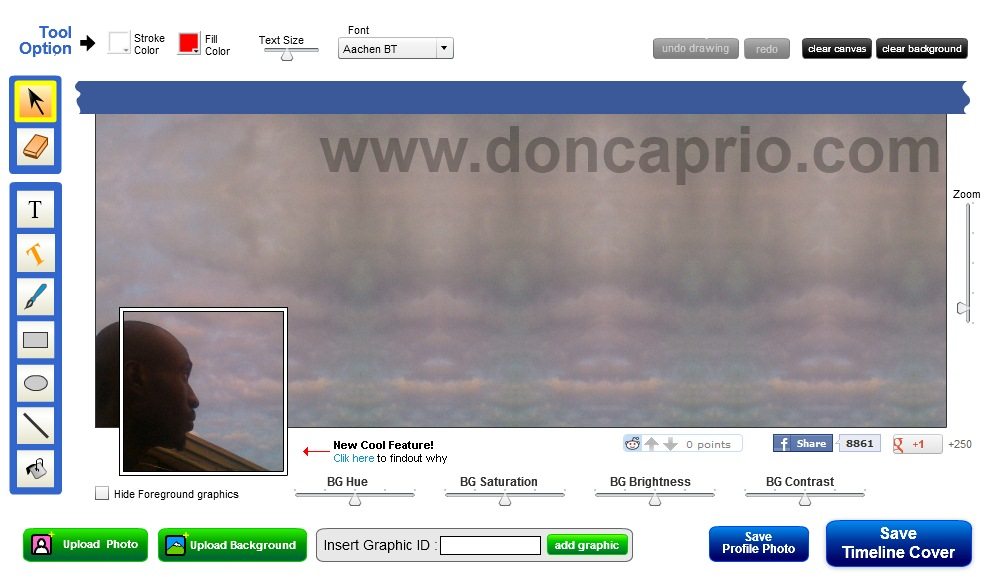 This is the best because I tried each of these services to know which rocks harder. TimelineCoverBanner has a lot more tools to customize your timeline banner and make the most of it. Merging your profile picture with timeline cover is quite easy and even if you’re not a graphic designer, you can still create something awesome. Apart from just combining your profile photo with your timeline, you can add some text to spice it up. Just click on Upload Background, zoom using the tool on the right and drag it around to fit in.
2. TrickedOutTimeline
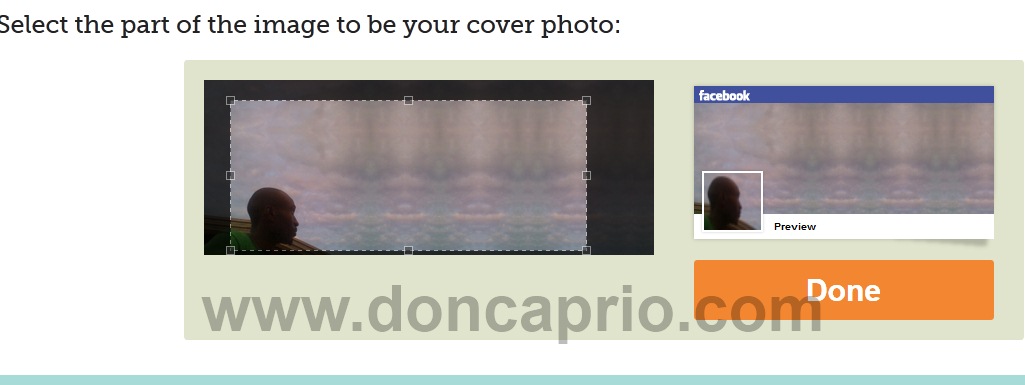
These guys too have some free tools you can use to customize your timeline cover. You can merge you profile pic and timeline cover, tear off the bottom of the cover, create a zoom effect and lots more. I did use some of the tools and created something a couple of my Facebook friends envied. 😉
3. Adobe Photoshop
If you’re not a Photoshop geek, you may not be able to get this done. I found this video on Youtube that might help you do this yourself with Photoshop.
I prefer the first on the list because it’s rather easy to use and it offers more options and really flexible. Like the post? It only takes five seconds to share with your friends on Facebook.