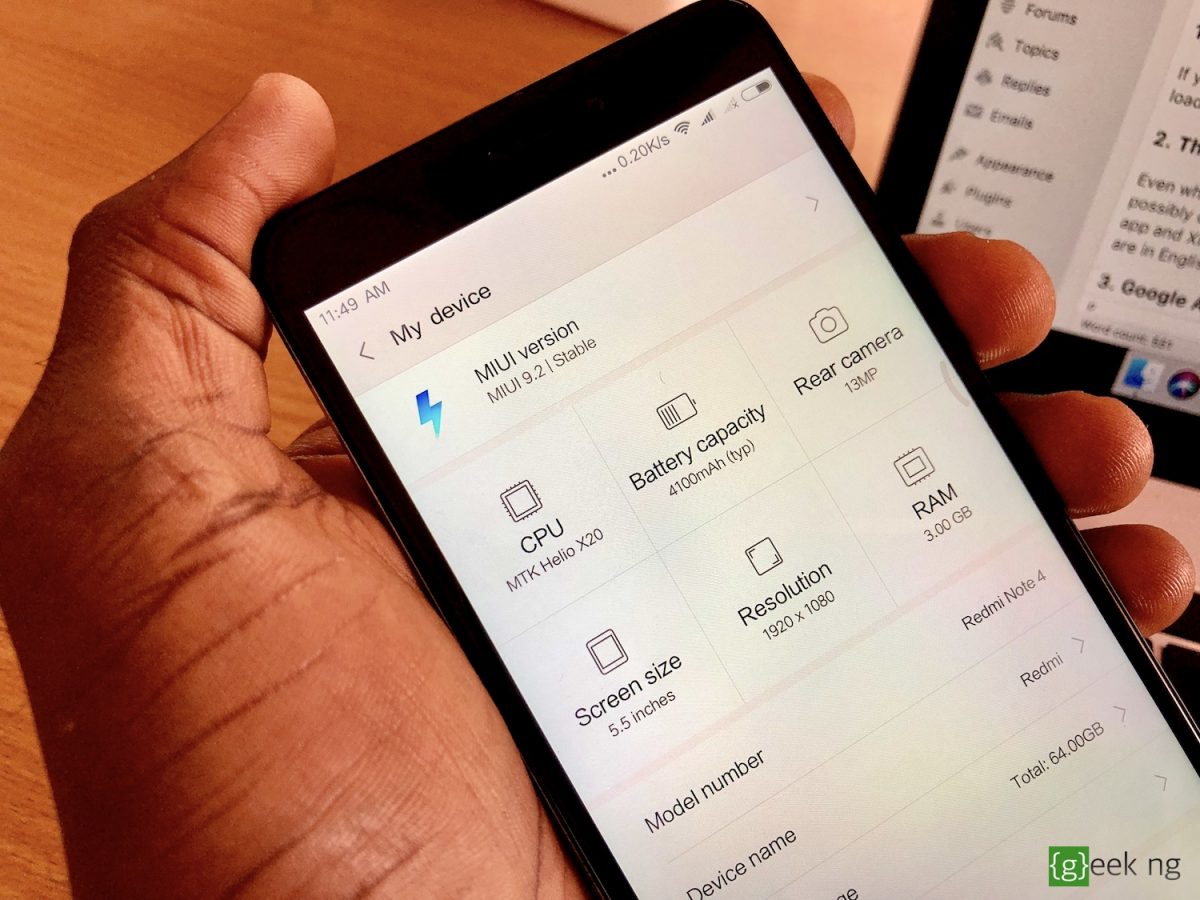
If you’ve already tried to flash your Xiaomi device, you were probably faced with the dilemma of choosing between the Global ROM or the China ROM. Both work great, and most people outside of China would rather go for the Global ROM. I was using the Global ROM until recently when I decided to unlock the bootloader and give the China (stable) ROM a try on my Xiaomi Redmi Note 4.
I might be staying on this China ROM for a while due to one single feature you won’t find on the Global ROM.
Why the Global ROM is better than the Chinese ROM
But first, I think I should explain why the Global ROM is better than the China ROM.
1. No bloatware on the Global ROM
If you hate bloatware, you should probably stick with the Global ROM. China ROMs built for Xiaomi devices usually come with loads of useless apps you would never use. Of course, most of them could be uninstalled, but apps like Mi Wallet can’t be uninstalled.
2. The translation isn’t always complete on the China ROM
Even when you choose the English language as default, some parts of the UI might still display in Chinese. This is possibly one of the biggest issues you might face if you decide to go with the China ROM. For instance, the Themes app and XiaomiAccount app are mostly in Chinese. The most important parts of the phone you would always access are in English though.
3. Google Apps are not pre-installed on the China ROM
On every China ROM, Google Apps are absent. This means there’s no Gmail, Google Voice Assistant, Google Maps and the rest of them. But then, you can still install them if you need them.
4. You can’t be sure you’re not being watched with a China ROM
If you’re paranoid about being spied on and you’re not really sure what the terms and conditions are, perhaps you should stay off the China ROM. China operates a Communist government, there’s a chance the government is spying on you. I’m not really bothered about this because the device is only a secondary phone, not my daily driver with all my sensitive information. Besides, I have nothing the Chinese government needs.
The reason I’m staying on the China ROM
Despite all these disadvantages, you might be wondering why I’m sticking with the China ROM.
Free Music!
You heard that right! The Music app Xiaomi puts on the China ROM is a lot different from what is in the Global ROM. You have access to free music streaming and download if your device is running a China ROM (Developer or Stable version). Well, I don’t know what the law says in China or how this free music streaming service is paying artists, but this is the main reason I’m sticking with this ROM.

There’s a catch though: You won’t be able to stream music with this app unless you’re on a Chinese IP address. It used to be open to all countries until about a year ago when they restricted it to China. I have a VPN that does this.
You might say Spotify does the same thing, but you don’t need a subscription to fully enjoy it. I may be switching back to the Global ROM in the future and just get the APK for this music app, but for now, this stays.